





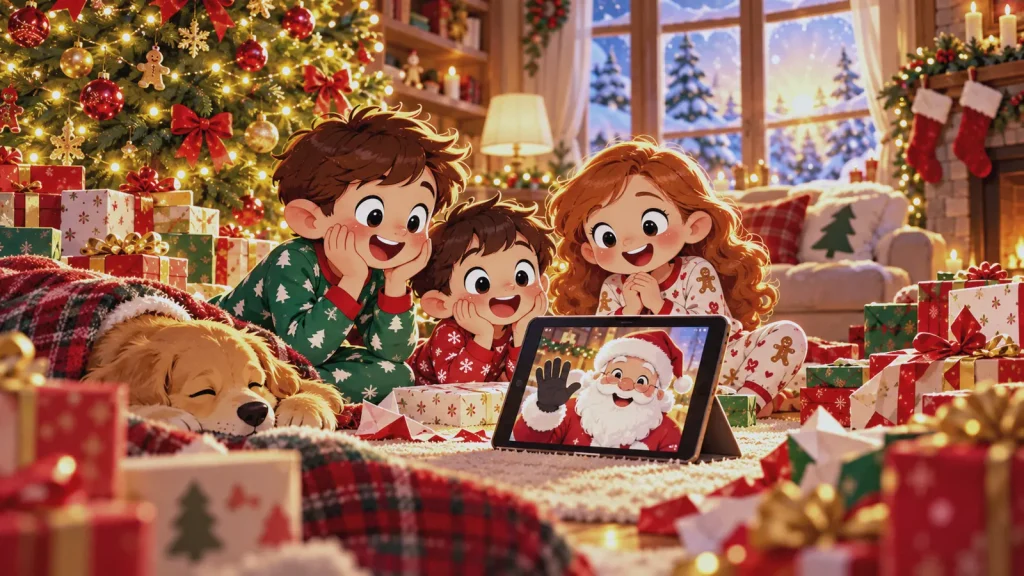
A Santa video can become one more phone clip when alerts are appearing and children are ready to open presents. The best Santa video message ideas make the recording part of the morning, with a clear beginning and a natural next step.
The Santa video reveal ideas below turn timing, screen preparation, and sibling inclusion into simple setups.
Key takeaway: Pick one moment, test the device the night before, and introduce the video with a clue, stocking item, ornament, or letter. Even a short recording can feel personal when it belongs to the morning.
What Makes a Santa Video Feel Like Part of Christmas Morning?
A Christmas morning Santa video works best within a familiar family event. It might begin gift opening, follow stockings, lead to a hidden present, or close the morning.
The recording needs a reason to start and somewhere to lead. An envelope might gather everyone by the television, while Santa’s final line points toward breakfast, gifts, or one last clue.
Look for a pause in your family’s routine. Do not ask children to turn away from a newly opened present to watch a screen.
| Choose this moment | When it works best | What the video can lead into |
| Before the first present | Children tend to rush toward the tree | Gift opening |
| After stockings | Your family already pauses before breakfast | Breakfast or a shared activity |
| After visible gifts | One final surprise is hidden elsewhere | A short clue hunt |
| Near the end of the morning | The message is reflective or encouraging | A family conversation |
8 Santa Video Message Ideas for a Better Reveal
These Santa video message ideas are starting points. Choose one that fits your family’s pace and the moment your children are most likely to listen.
1. Let Santa Start the Gift Opening
Have the television or tablet ready before anyone enters the room. A note beside the remote can ask the family to watch Santa’s message before the first present is opened.
2. Hide the First Clue in a Stocking
Tuck a card into one stocking with an instruction such as, “Gather everyone by the big screen.” For siblings, split the clue across several cards.
3. Save the Video for One Last Present
Once the visible gifts are open, the video can introduce a clue leading to something hidden or too large for the tree. This only works if the recording includes the necessary wording.
4. Play It Between Stockings and Breakfast
The pause between stockings and breakfast is often calmer. Children have opened something, but the video is not competing with a major gift.
5. Stage a North Pole Delivery
Set a tablet on a stand or leave the television on a clean display. An envelope, ornament, or delivery sign makes the screen look intentional.
6. Make It a Message for the Whole Family
Bring everyone together before pressing play, then introduce the recording as a message for the household. Adults should join the viewing instead of hovering over the device.
7. Let a Letter Introduce the Video
Leave a short letter beside the prepared device and let the child read it aloud. The final sentence can send everyone to the waiting message.
The letter becomes a keepsake. These Christmas morning letter ideas add staging options without creating a competing activity.
8. End the Morning With a Quiet Message
Wait until the rush of gift opening has passed. This quieter timing suits gratitude, a recent accomplishment, or a family tradition.
Afterward, ask about one detail from the message. The conversation helps the video close the morning instead of joining the gift-opening queue.
How Should You Sequence the Santa Video Reveal?
A reveal is easier to manage when it follows five clear steps:
- Prepare the room. Choose the screen, viewing area, and physical clue.
- Test the recording. Play the full file and confirm the name, sound, and ending.
- Create the trigger. Use a note, stocking card, ornament, or wrapped remote.
- Gather everyone. Make sure each child can see and hear before playback begins.
- Continue the morning. Let the video lead into gifts, breakfast, a clue, or a family conversation.
The clue should lead to one activity, not several. Children should be able to follow the reveal without stopping for repeated explanations.
Christmas Morning Santa Video Technical Checklist
Knowing how to reveal a Santa video also means removing preventable technical distractions. Complete this checklist on Christmas Eve:
- Save the video locally when permitted.
- Watch the full recording.
- Charge the device and keep its charger nearby.
- Check volume, brightness, and orientation.
- Close email, messages, browser tabs, and unrelated apps.
- Disable and test notification previews.
- Prevent automatic screen locking.
- Test casting before the children arrive.
- Keep a backup device or permitted copy.
- Open the video from a clean screen, not an inbox.
iPhone users can review Apple Focus controls, while Android users can check Do Not Disturb. Menus vary, so test the exact setup.
If playback fails, keep the physical clue and move the video to the next quiet moment. Troubleshooting in front of the children can expose the setup and interrupt the morning.
How Can You Include Siblings Without Making the Message Feel Uneven?
When possible, give each child one distinct acknowledgment. A recent accomplishment or kind action says more than identical praise.
Avoid playing separate videos in an order that suggests a ranking. After one shared message, each child can receive a clue or letter. A saved Dear Santa letter can supply one distinct detail for each child.
What Should Santa Say in a Christmas Video?
A useful Santa message for children includes the child’s correctly pronounced name, one familiar detail, specific praise, a question or instruction, and a warm closing. If you are deciding what should Santa say in a video, make room for each sibling and include one reference the whole family will recognize.
Personal details should feel familiar, not intrusive. A favorite activity works better than an exact school, address, or private concern. These personalized Santa video ideas make Santa sound observant without knowing too much.
For concise wording patterns, review this short Santa letter guide and adapt only the message structure, not the letter format.
Can a Santa Video Shown on a Phone Still Feel Personal?
Yes. A phone works if it looks prepared rather than pulled from a pocket. Set it on a stand, use landscape orientation when appropriate, silence alerts, and gather everyone before playback.
Add a stocking card, ornament, or sealed note to frame the phone as a delivery and leave the child with something to hold.
How Can You Preserve a Santa Video After Christmas?
If downloads are permitted, keep the file instead of relying on a link that may expire. Label a secure backup with the year and child’s age.
Before entering a child’s information into a video service, review what the service collects, how it uses the data, and whether parents can delete it. The FTC privacy guidance explains protections that apply when covered online services collect personal information from children under 13.
Store the physical clue with other Christmas keepsakes so the family can reconnect the saved video to the original reveal.
Santa Video, Letter, or Both: Which Creates the Better Keepsake?
A video retains Santa’s voice and movement. A letter provides something tangible to reread or store.
| Format | Preservation strength | Limitation |
| Santa video | Replays voice, movement, and delivery | Requires reliable storage and a compatible device |
| Santa letter | Can be held, displayed, and stored | Does not retain voice or movement |
| Video and letter | Connects the immediate reveal with a physical record | Requires both items to support the same story |
The better choice depends on what your family wants to preserve. This guide to digital and printed letters explains the broader format differences.
When using both, let the video carry the surprise and the letter serve as the clue or keepsake. Separate roles prevent repetition.
Mistakes That Can Weaken Santa Video Message Ideas
Even strong Santa video message ideas can fail when the setup exposes the mechanics. Avoid these errors:
- Opening the file from an email inbox
- Allowing message previews to appear
- Testing the sound after the children gather
- Playing the video during noisy gift opening
- Giving one sibling much more attention
- Using details that feel private or intrusive
- Adding several clues with no clear order
- Treating the recording as a substitute for family interaction
Test the full sequence on Christmas Eve, from the first clue to the next activity.
Pair the Video With Something Your Child Can Keep
A video captures the surprise. A letter can stay in a memory box, scrapbook, or holiday display.
Santa’s Magical Kingdom provides personalized letters, not Santa videos. Families who already have a recording can pair it with a personalized letter from Santa built around their child’s details.
Pair the Moment With a Personalized Santa Letter
Frequently Asked Questions About Santa Video Messages
What is a personalized Santa video message?
It is a prerecorded message that may include a child’s name or personal details. Customization varies, so confirm the content before planning the reveal.
What are some good Santa video message ideas for Christmas morning?
Good Santa video message ideas include playing it before gifts, hiding a stocking clue, or saving it for a quiet moment. Connect it to one activity.
When should children watch a Santa video on Christmas morning?
Choose a pause before gifts, after stockings, or before breakfast. Avoid playing it while children are opening presents or focused on a new toy.
Should parents play the video before or after opening presents?
Play it before presents when the message starts the morning. Play it afterward for a reflective message or one final clue.
How do you reveal a Santa video without showing emails or notifications?
Open the file, close other apps, silence previews, and test playback. Start from a clean screen so private information stays hidden.
Can a Santa video shown on a phone still feel special?
Yes. Use a stand, gather the family, silence notifications, and add a physical clue. Deliberate staging matters more than screen size.
How long should a Santa video message be?
Use the shortest recording that delivers its personal details and instruction clearly. A focused message usually suits younger children and busy mornings.
What should Santa say to siblings in the same video?
Santa should acknowledge each child and include one shared detail or task. Avoid identical praise or an order that suggests a ranking.
Should each child receive a separate Santa video?
Separate videos work when each child receives comparable attention. One shared recording may feel more natural for siblings who celebrate together.
How can parents save a personalized Santa video for future Christmases?
Download the file when permitted and label a secure backup with the year and child’s age. Keep the note or clue with holiday keepsakes.
Is a Santa video or a Santa letter a better keepsake?
A video preserves voice and movement, while a letter provides a physical object. Choose the format that fits your family archive, or keep both.
Can you pair a Santa video with a personalized letter from Santa?
Yes. Let the letter introduce the recording or provide the next clue. The pairing works best when both pieces support one sequence.
A video captures the moment, but a letter gives your child something to hold onto long after the screen goes dark. While Santa’s Magical Kingdom focuses on the written word rather than video, its letter creator lets you build the same kind of specific, personal message — a named accomplishment, a familiar detail, a wish in the child’s own language — that makes any Santa communication feel genuinely observed. Use the video for the Christmas morning surprise, then pair it with a personalized letter from Santa that your child can reread, save, and keep for years.